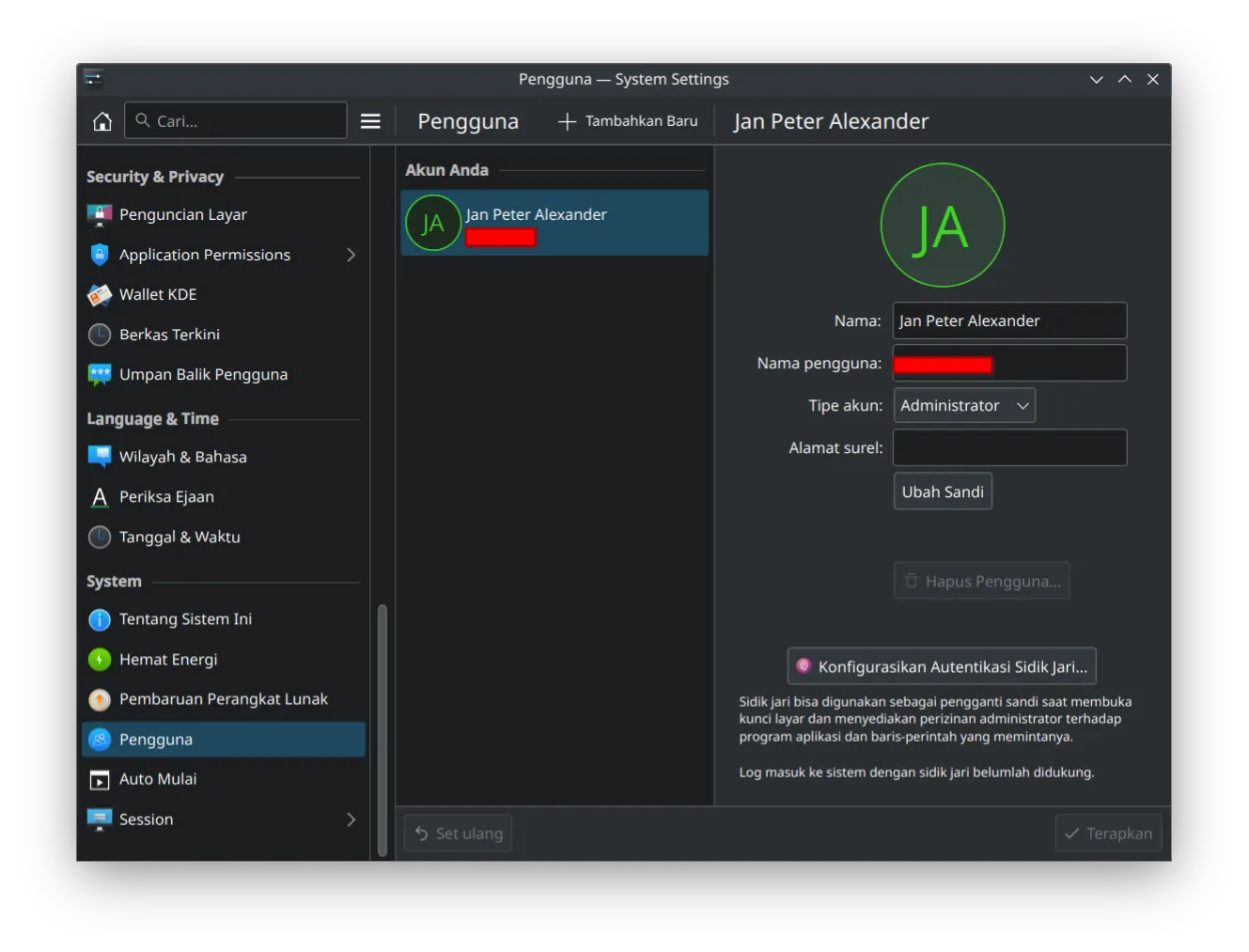
I currently have a Lenovo Thinkpad L14 Gen1 laptop equipped with fingerprint. I was belok from KDE Neon to use Fedora 40 because of someone. Now I am tempted to enable my fingerprint.
To be sure, I got this from lsusb:
lsusb | grep -i fingerprintBus 001 Device 004: ID 27c6:55b4 Shenzhen Goodix Technology Co.,Ltd. Fingerprint ReaderDump the firmware
Assuming this is a fresh install, lets do some magic by getting some dependencies:
sudo dnf install gcc git python-pip python-devel opensslLet’s get the source code:
git clone --recurse-submodules https://github.com/goodix-fp-linux-dev/goodix-fp-dump.gitcd goodix-fp-dumpCreate an isolated Python environment:
python -m venv .vsource .v/bin/activateDo the magic:
sudo supip install -r requirements.txtpython run_55b4.pyexitThere are some python scripts available. I run run_55b4.py because my device ID is 27c6:55b4. It will spell some nonsense, which is a good thing. That nonsense actually the firmware captured by our device. Also, I typed exit because we want to enroll our finger in our own user, not root. If we run the fprintd-enroll as a root, the finger will be for root, not us. Anyway,
fprintd-enrollUsing device /net/reactivated/Fprint/Device/0Enrolling right-index-finger finger.Enroll result: enroll-stage-passedEnroll result: enroll-stage-passedEnroll result: enroll-stage-passedEnroll result: enroll-stage-passedEnroll result: enroll-stage-passedEnroll result: enroll-stage-passedEnroll result: enroll-stage-passedEnroll result: enroll-stage-passedEnroll result: enroll-stage-passedEnroll result: enroll-stage-passedEnroll result: enroll-completedYes! In my case, the fingerprint need to add my right index finger ten times. I was confused at first because the lack of message. I thought it was error. But, it didn’t. After that, everything in the system is automatically pick the fingerprint as one way to authenticate.
Overall
There is nothing to change. Fedora 40 will automatically enable fingerprint login.
KDE
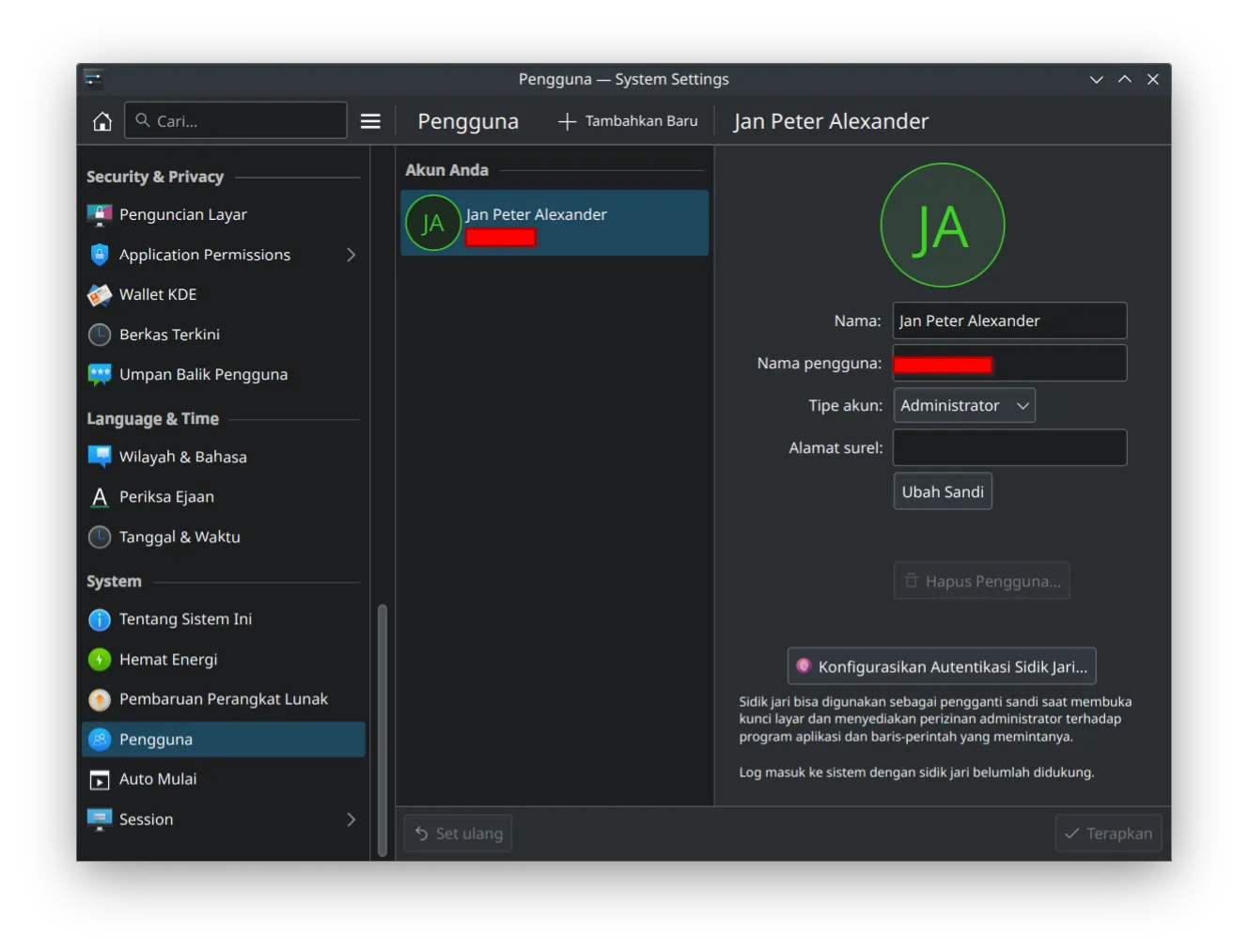
When the fingerprint enabled, it is automatically show up:
sudo
Same with KDE settings

Dual Boot
Dual booting with Windows 11 will make the fingerprint firmware rewritten. We need to redo the magic:
source .v/bin/activatesudo supip install -r requirements.txtpython run_55b4.pyexitSDDM
NOTE: I have done this before. However, I have disabled this as it doesn’t unlock KWallet. I am writing this for future if I am bored and want to do some hacking on the SDDM device.
Configure SDDM PAM Module
SDDM is not ready for fingerprint. There is a patched version if you don’t mind compile it yourself. A workaround is to have skip password authentication and go to fingerprint. I opted for this one.
In /etc/pam.d/sddm, add these two lines on top of the current configuration code:
auth [success=1 new_authtok_reqd=1 default=ignore] pam_unix.so try_first_pass likeauth nullokauth sufficient pam_fprintd.soThe catch for this one is that I need to press ENTER key at the password input before the fingerprint works to enable fingerprint input. This approach makes KWallet unauthenticated at login. I need to input password for KWallet when it is activated for the first time in my KDE session.