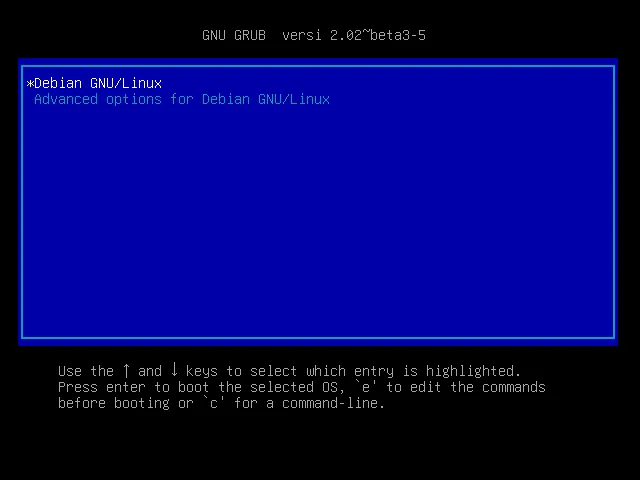
Debian Jessie failed to get ZFS root in grub-probe. It would ended up like this:
$ sudo grub-probe /grub-probe: error: failed to get canonical path of `/dev/scsi-3600605b008b089301eb25768126fbaa6'.Luckily, Someone at askubuntu suggested to set an env:
ZPOOL_VDEV_NAME_PATH=1In order to make GRUB recognize the env, we have to have newer version of GRUB. Since GRUB is a static application that sits on our boot time, why not compile it.
For the sake of completeness, don’t forget to install the necessary packages:
sudo apt-get build-dep grub-efi-amd64To compile:
git clone git://git.savannah.gnu.org/grub.gitcd grub./autgen.sh./configure --prefix=/usr --sbindir=/sbin --sysconfdir=/etc --with-platform=efimake -j$(nproc)sudo make installOh, don’t forget to install efibootmgr so that GRUB can register EFI.
sudo apt install efibootmgrThe Commands
Now we can run everything well:
$ sudo ZPOOL_VDEV_NAME_PATH=1 grub-probe /zfsInstall GRUB:
$ sudo ZPOOL_VDEV_NAME_PATH=1 grub-install /dev/sdaDone.